Easy Script Input
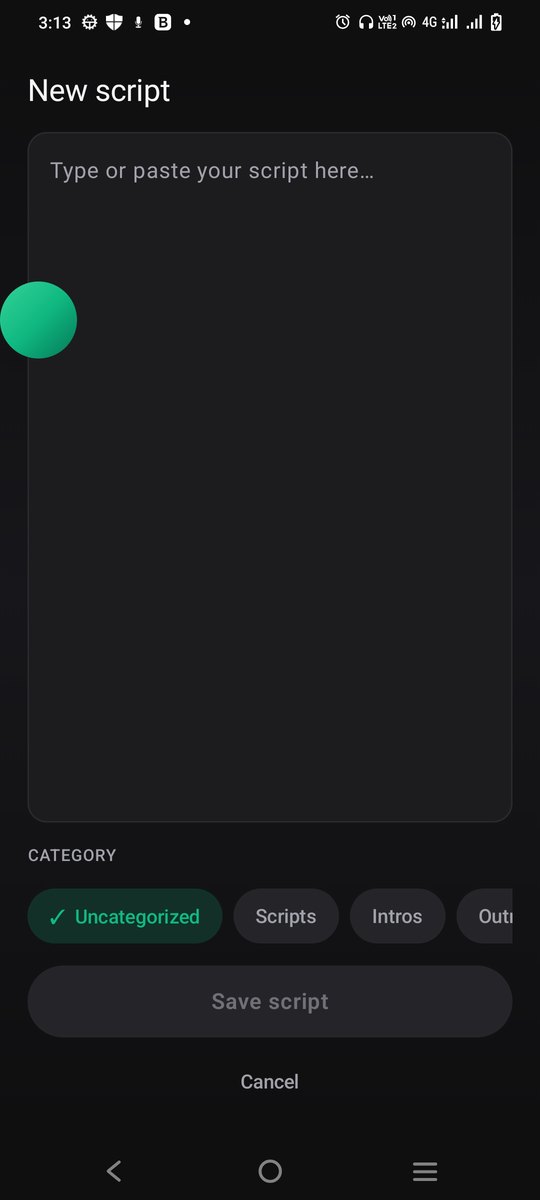
Type or paste your text, save scripts by category, and import or export them whenever you like.
Your script. Your camera. Your story.
Read your script naturally while recording videos, right from your phone.
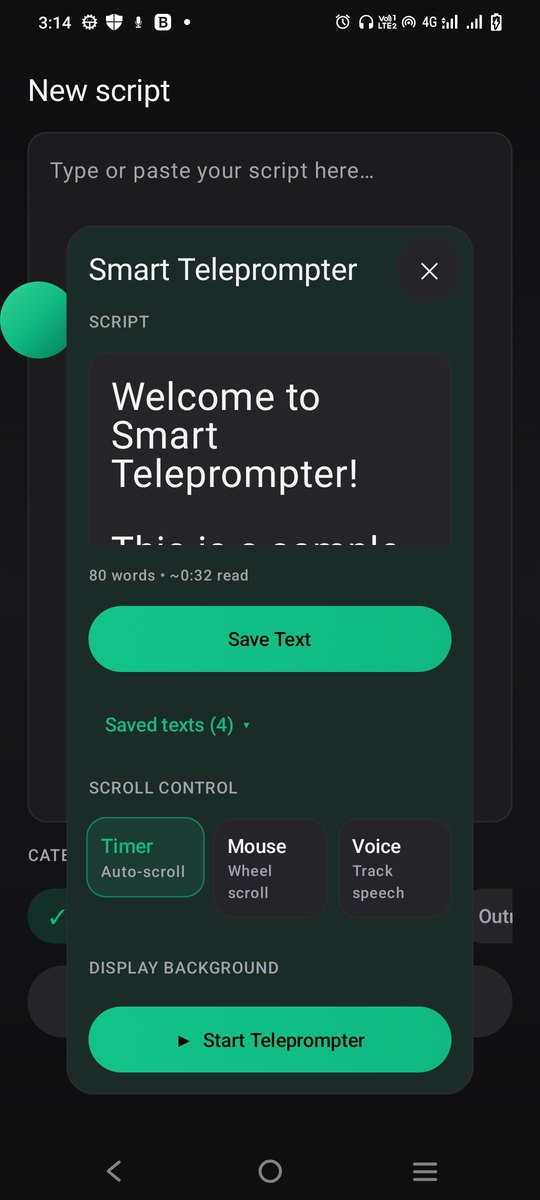
Type or paste your text, save scripts by category, and import or export them whenever you like.
Keep your script on top of other apps in a click-through window, so you can still see and tap what's underneath.
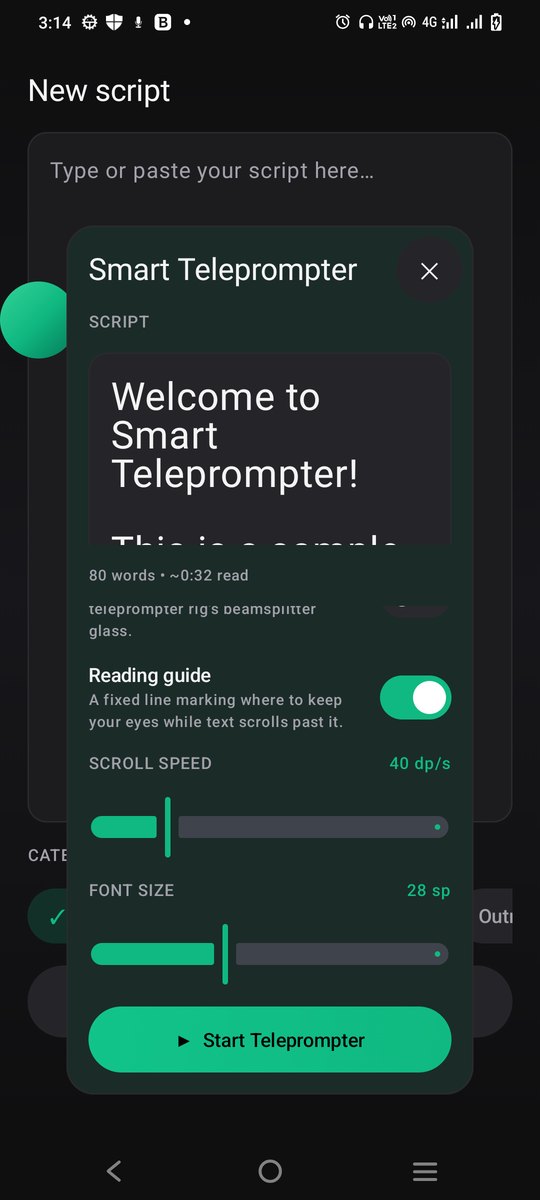
Control speed, font size, text colour, alignment and background for the perfect reading experience.
Record with your phone's front or back camera in the camera app you already use. The script floats above it.
Use it with TikTok, Instagram, CapCut, YouTube and more. If an app lets you record, it can show your script.
Perfect for
Whether you're a content creator, online teacher, business professional or public speaker, Smart Teleprompter helps you stay focused and look your best.
Built for real recording
Timer scrolls at a steady speed, Mouse lets you scroll with a wheel or trackpad, and Voice follows along as you speak.
Show the script on a transparent, light or dark panel, with white, black, yellow or green text, whichever is easiest to read.
A fixed line marks where to keep your eyes while the text scrolls past, so you look steady on camera.
Flip the text horizontally for a physical teleprompter rig with a beamsplitter glass.
Left-to-right and right-to-left scripts such as Urdu and Arabic are detected automatically and shown the right way round.
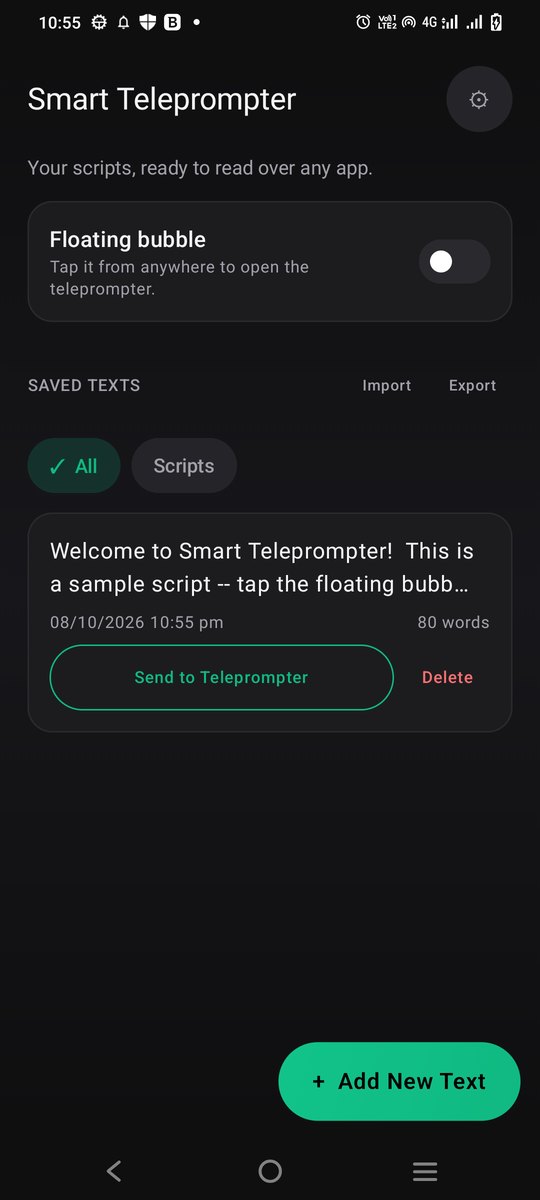
Keep intros, outros and full scripts in categories, send any of them to the teleprompter with one tap, and back them up with import and export.
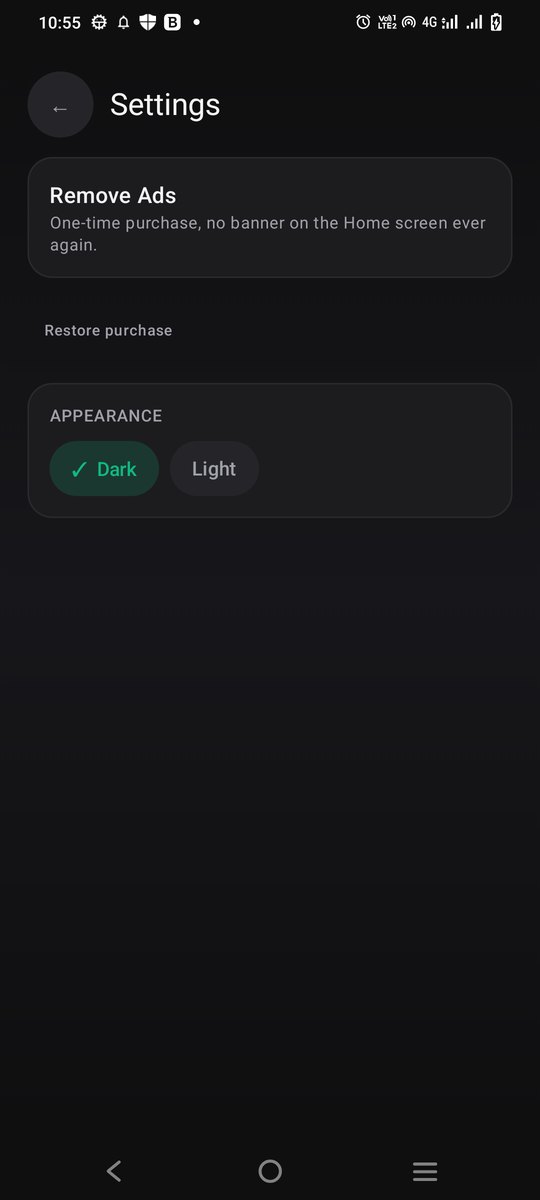
Pick the app look you prefer. The floating panel always stays easy to read over any app.
No account and no sign-in. Your scripts are stored on your phone.
How it works
Open the app, tap Add New Text and type or paste your script. Save it so it's ready next time.
Switch on Floating bubble and allow the overlay permission. A small bubble now floats over your screen.
Tap the bubble to open the panel. Pick the scroll mode, speed, font size, colours and alignment.
Press Start Teleprompter, switch to your camera app or TikTok, and record while the script scrolls above it.
Screenshots
Real screens from the app.
Questions
Yes. The app is free to use and shows a banner ad on the home screen. A one-time purchase removes that banner.
No. It shows your script on top of the camera or video app you already use, such as your phone's camera, TikTok or Instagram. You record in that app.
That permission is what lets the bubble and the script window float above other apps. The script window is click-through, so your taps still reach the app underneath.
Only for the optional Voice scroll mode, which follows what you say so the script keeps pace with you. You can use Timer or Mouse mode without it.
Some phones close background apps to save battery. Allow the battery-optimisation exemption when the app asks, and set the app's battery use to "unrestricted" or allow autostart in your phone's settings.
Yes. The direction of the text is detected automatically, so right-to-left scripts display correctly.
No. Scripts stay on your phone. See the privacy policy for details.
Download Smart Teleprompter and start reading your script naturally today.